Week 8: Spark MLlib, Spark NLP

DSAN 6000: Big Data and Cloud Computing
Fall 2026

Jeff Jacobs

jj1088@georgetown.edu

Monday, October 26, 2026

Today’s Agenda: Demos! And More Demos!

  • Spark DataFrames
  • MLlib: Official Spark library!
  • SparkNLP: 3rd-Party Library

Spark DataFrame

…Yet another type of DataFrame!

Pandas

  • Everything in RAM
  • All computations eagerly executed
data_df['price'].mean()

Polars: Introduced lazy execution

  • \(\leadsto\) separation of computation from data
  • Optimized for multicore computation
ratio_expr = (
  pl.col('work_hrs') / pl.col('sleep_hrs')
).alias('sleep_ratio')
data_pl.with_columns(ratio_expr).collect()

PySpark

data_sdf = spark.createDataFrame([
    [1, 2.0, 's1', date(2000, 1, 1), datetime(2000, 1, 1, 12, 0)],
    [2, 3.0, 's2', date(2000, 3, 1), datetime(2000, 1, 3, 12, 0)],
], schema='a long, b double, c string, d date, e timestamp')
data_sdf
  • Optimized for distributed computation \(\leadsto\) requires an always-running process
  • Wrapper around RDD (Resilient Distributed Dataset): data_sdf.rdd.getNumPartitions()

In-Class Demo 1: Local Spark

(For development, can just pip install pyspark!)


PySpark Basics

First Things First: OpenJDK

  • Spark 4: Recommended JDK version = 21
    • (How would you know without me telling you? Truly idk)
    sudo apt install openjdk-21-jdk-headless
  • Install this on the master node and on all worker nodes that you’d like to link together
    • (Run sudo apt update first if on a new instance!)

Getting + Using Spark

Apache Spark Downloads Page

  • Click through the “Download Spark” link…

  • …To get the actual download URL 😵‍💫

  • Use wget <url> in terminal to download .tar.gz:

    wget https://dlcdn.apache.org/spark/spark-4.2.0/spark-4.2.0-bin-hadoop3.tgz
  • Extract using:

    tar -xzvf spark-4.2.0-bin-hadoop3.tgz

In-Class Demo 2: Your First Spark Cluster!

Spark Cluster Checklist:

AWS Console → EC2 Console → Security group (launch-wizard-1):

Master node:

  • export PRIVATE_IP=$(hostname -I | awk '{print $1}')

Worker nodes (one at a time):

Check status via Spark UI: Master on localhost:8080 (VSCode port forwarding)
(New worker nodes should appear after each start-worker.sh)

Now Use It From a Jupyter Notebook

from pyspark.sql import SparkSession
spark = (
  SparkSession
    .builder
    .appName('UNSC_Speeches')
    .master('spark://<Private IP Here!>:7077')
    .config('spark.jars.packages','org.apache.hadoop:hadoop-aws:3.5.0')
    .getOrCreate()
)

Check status of SparkSession via Spark Session UI: localhost:4040

  • Master node UI: localhost:8080 (worker UI=localhost:8081)
  • SparkSession UI: localhost:4040
  • Confusion ↓, Understanding ↑ 🥳

MLlib: Hopping Up Another Abstraction Layer!

In-Class Demo 3


MLlib in Action

Spark NLP

MLlib: pyspark as normal:

from pyspark.sql import SparkSession
spark = (
    SparkSession
    .builder
    .appName('SF_Housing')
    .getOrCreate()
)
type(spark)
# >>> pyspark.sql.session.SparkSession
from pyspark.ml.feature import VectorAssembler

Spark NLP: Custom SparkSession with sparknlp.start():
import sparknlp
spark = sparknlp.start()
type(spark)
# >>> pyspark.sql.session.SparkSession
from sparknlp.base import DocumentAssembler

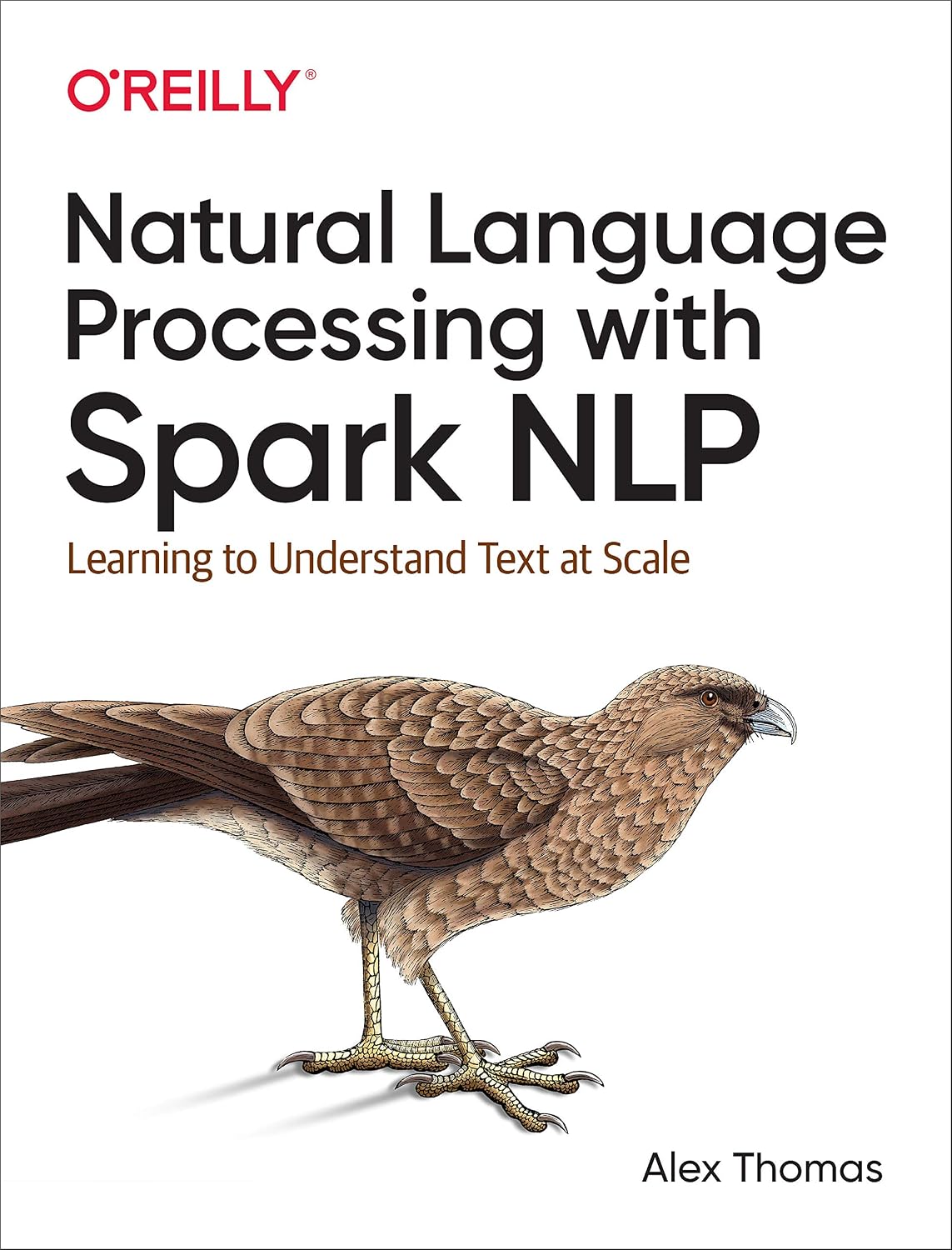
Thomas (2020): The chimango caracara book

In-Class Demo 4


Distributed Sentiment Analysis with Spark NLP

References