Using APIs in R

Week 8, Part 2

Jeff Jacobs

jj1088@georgetown.edu
DSAN Summer Bootcamp 2024
Georgetown University

Getting Information From Internet \(\rightarrow\) Dataset

From Easy Mode to Hard Mode

Difficulty Scenario Solution
Easy
😊
Dataset already exists in desired format Direct download (e.g., as .csv)
Medium
😐
Data exists in structured form on website Web scraping
Hard
😳
The dataset doesn’t exist and isn’t directly presented on a website Use an API (if it exists)

Web Scraping

Web Scraping Overview

  • Fun fact: you can view a webpage’s HTML source code by right-clicking on the page and selecting “View Source”
    • On older websites, this means we can just request page and parse the returned HTML
  • Less fun fact: modern web frameworks (React, Next.js) generate pages dynamically using JS, meaning that what you see on the page will not be visible in the HTML source
    • Data scraping still possible for these sites! Using browser automation tools like Selenium

Scraping Difficulty

How is data loaded? Solution Example
Easy
😊
Within HTML source View Source
Medium
😐
Dynamically via internal API View Source, find API call, scrape via R
Hard
😳
Dynamically via web framework Use Selenium

Easy Mode (Wikipedia)

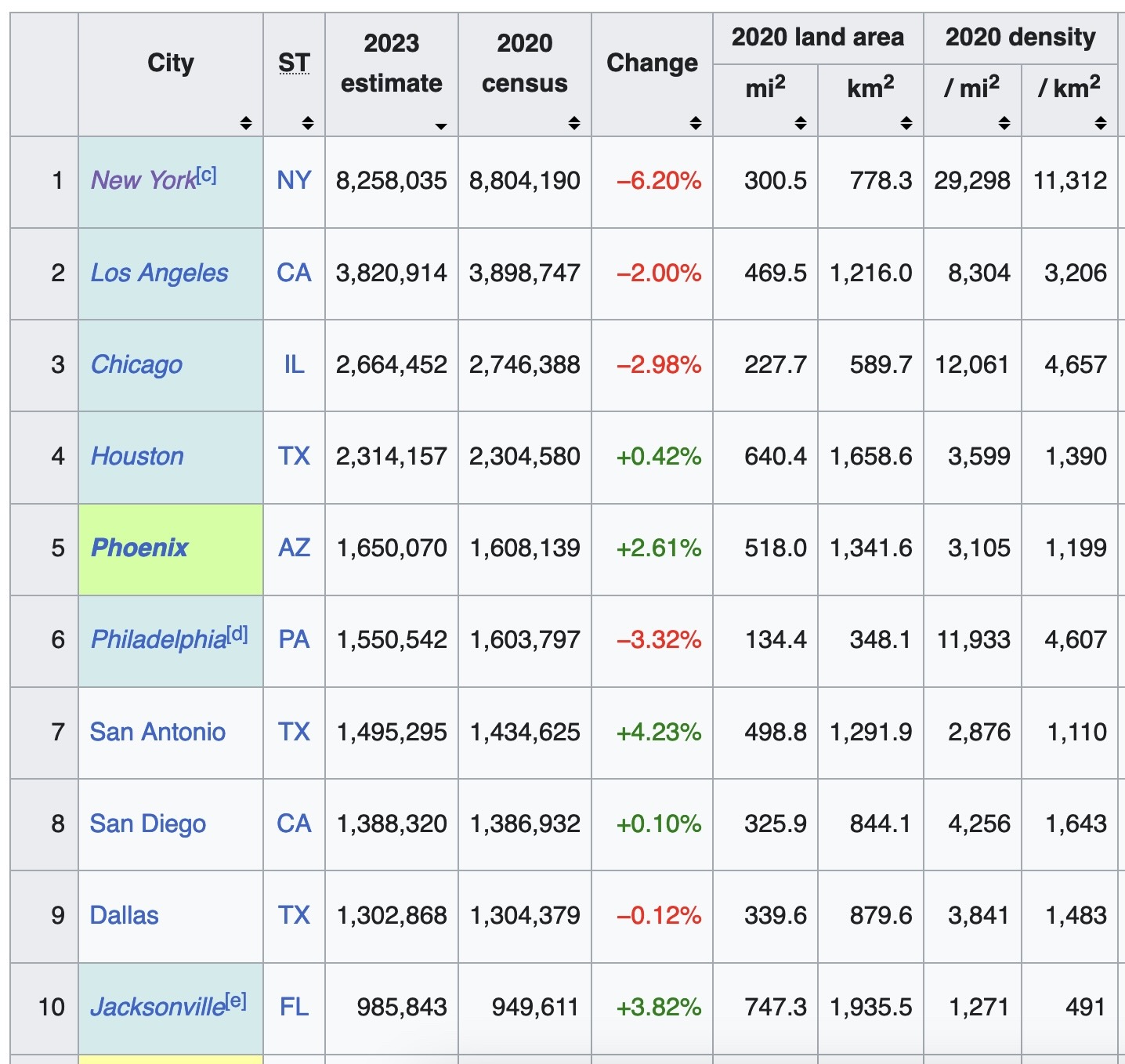
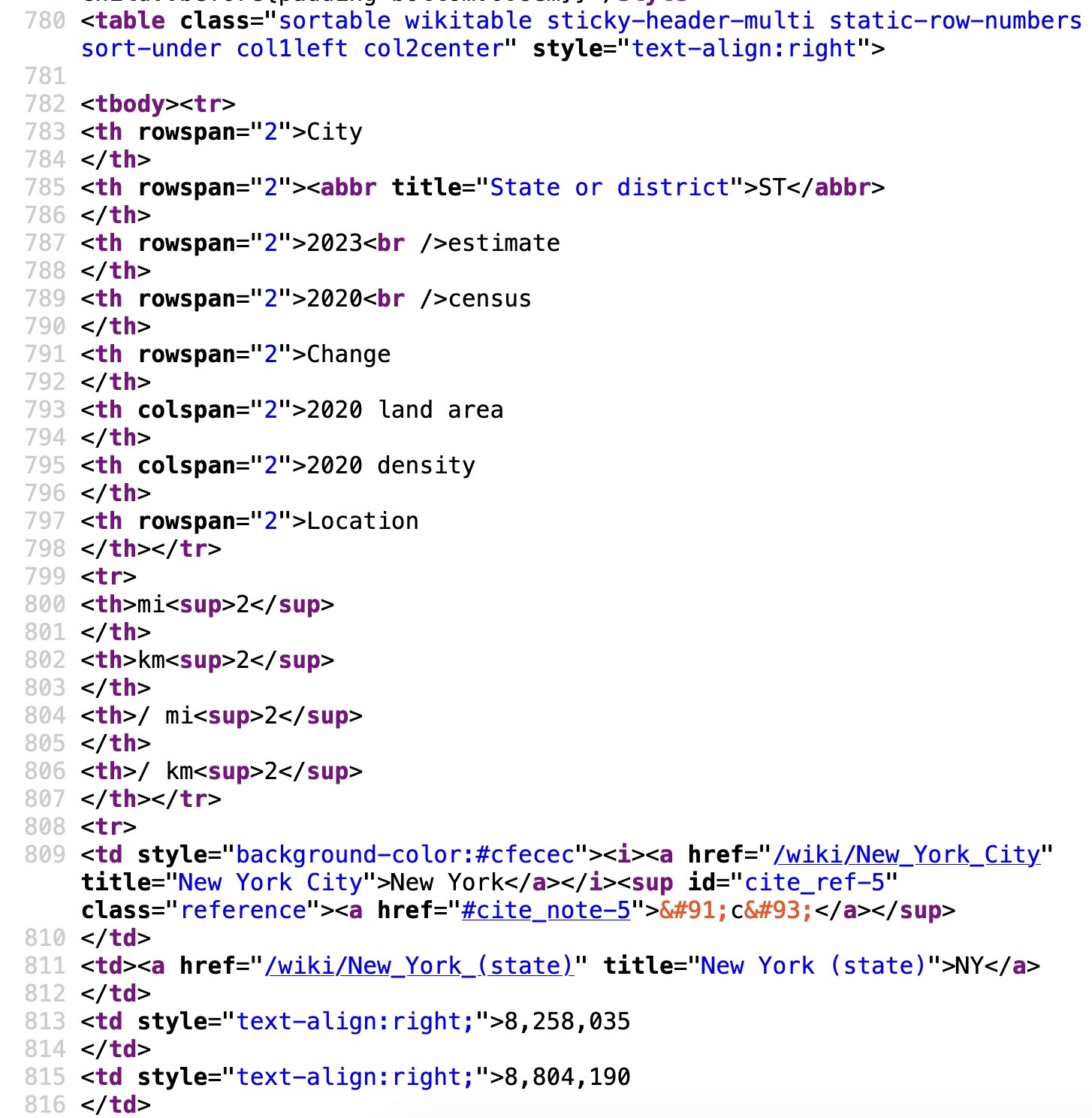
From List of United States cities by population (via View Source)

→

This Means It Can Be Scraped “Immediately”!

Here we use mini-language XPath to extract portions of the HTML containing our data (see Appendix for more!)

library(httr2)
request_obj <- request("https://en.wikipedia.org/wiki/List_of_United_States_cities_by_population")
response_obj <- req_perform(request_obj)
# Parse HTML
library(xml2)
html_obj <- response_obj |> resp_body_html()
html_obj |> xml_find_all('//table[3]//td[1]') |> head()
{xml_nodeset (6)}
[1] <td style="background-color:#cfecec">\n<i><a href="/wiki/New_York_City" t ...
[2] <td style="background-color:#cfecec">\n<i><a href="/wiki/Los_Angeles" tit ...
[3] <td style="background-color:#cfecec">\n<i><a href="/wiki/Chicago" title=" ...
[4] <td style="background-color:#cfecec">\n<i><a href="/wiki/Houston" title=" ...
[5] <td style="background-color:#ccff99">\n<i><b><a href="/wiki/Phoenix,_Ariz ...
[6] <td style="background-color:#cfecec">\n<i><a href="/wiki/Philadelphia" ti ...
Medium Mode

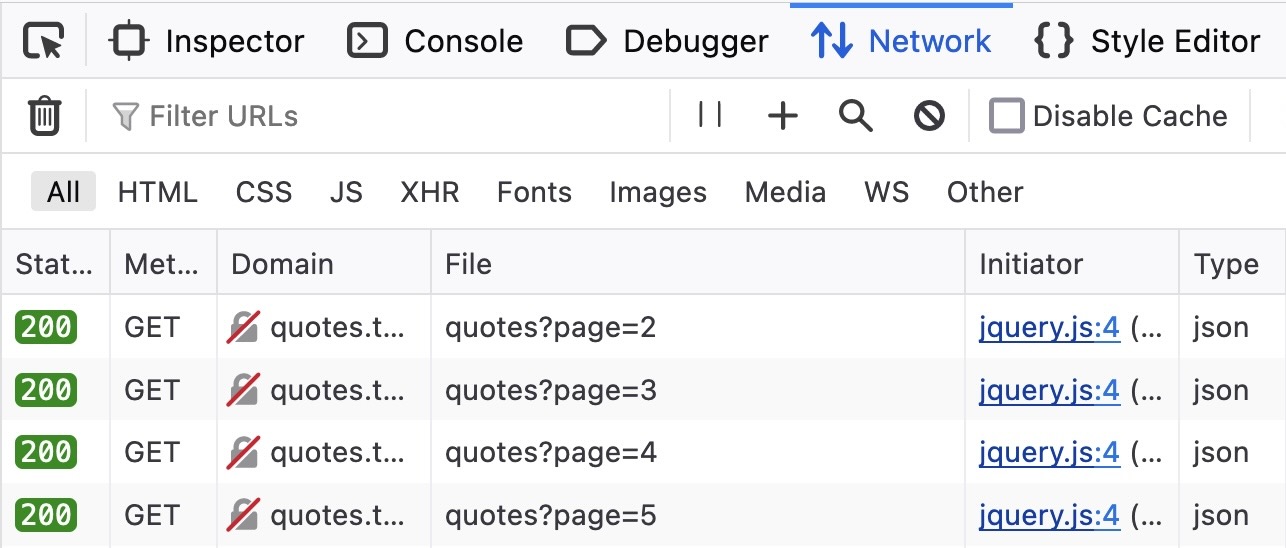
Often more of an art than a science, but the Developer Console’s “Network” tab is your friend!

The contents of the Network tab after scrolling a bit through Zyte’s Quotes to Scrape web-scraping sandbox (which we use a bunch in DSAN 5500 😉)

→

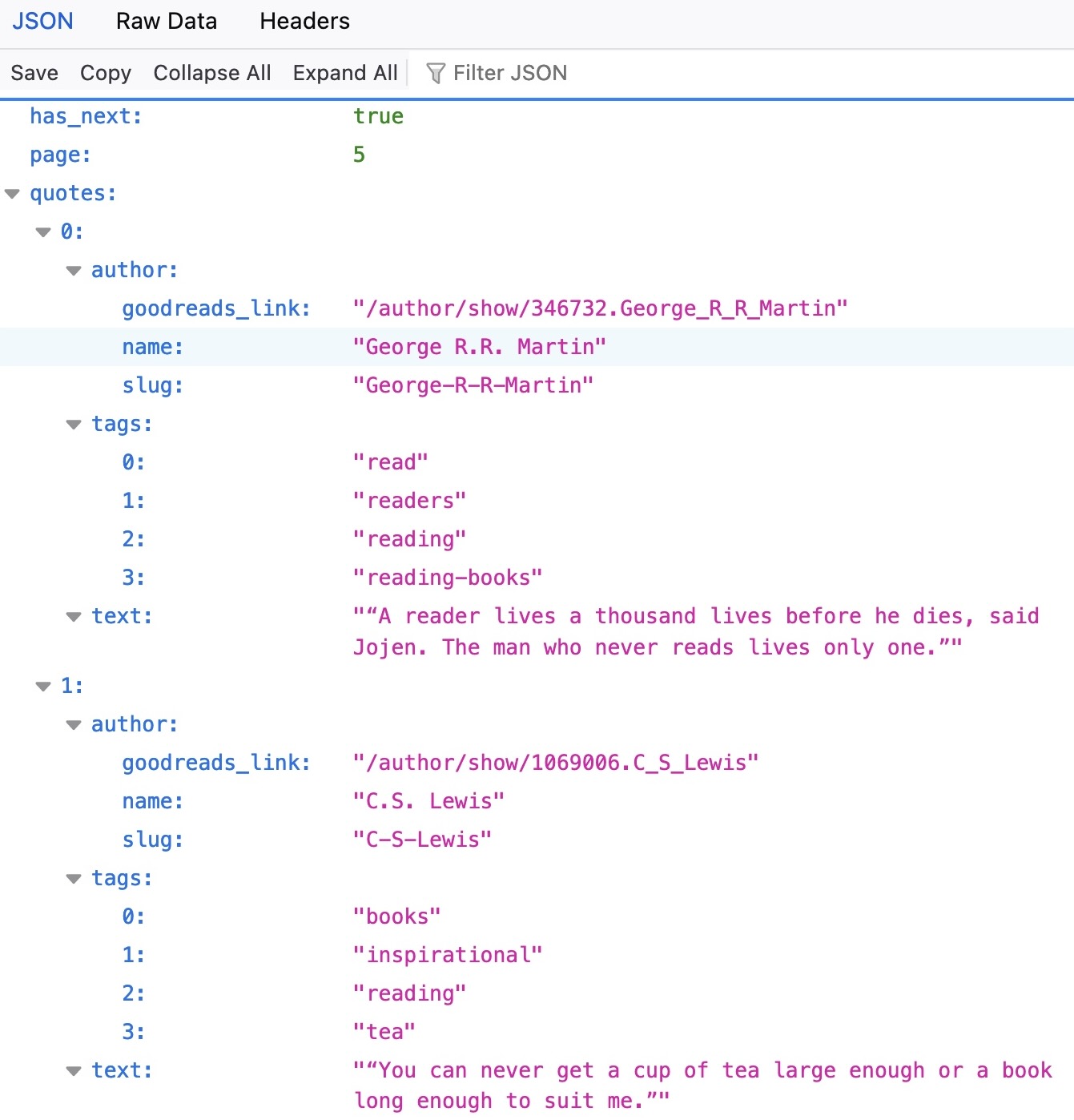
The .json file (after right-click on quotes?page=5, “Open in New Tab”)

APIs: The Less-Hackish Alternative

APIs

Application Programming Interfaces: developer-facing part of data pipeline/service. Abstracts unnecessary details:

Example Care about Don’t care about
Electrical outlet Electricity Details of Alternating/Direct Currents
Water fountain Water Details of how it’s pumped into the fountain
Car Accelerate, brake, reverse Details of combustion engine

What Does an API Do?

Exposes endpoints for use by developers, without requiring them to know the nuts and bolts of your pipeline/service:

Example Endpoint Not Exposed
Electrical outlet Socket Internal wiring
Water fountain Aerator Water pump
Car Pedals, Steering wheel, etc. Engine

Example: Math API

Code
library(httr2)
request_obj <- request("https://newton.vercel.app/api/v2/factor/x^2-1")
response_obj <- req_perform(request_obj)
writeLines(response_obj |> resp_body_string())
{"operation":"factor","expression":"x^2-1","result":"(x - 1) (x + 1)"}

Math API Endpoints

Operation API Endpoint Result
Simplify /simplify/2^2+2(2) 8
Factor /factor/x^2 + 2x x (x + 2)
Derive /derive/x^2+2x 2 x + 2
Integrate /integrate/x^2+2x 1/3 x^3 + x^2 + C
Find 0’s /zeroes/x^2+2x [-2, 0]
Find Tangent /tangent/2|x^3 12 x + -16
Area Under Curve /area/2:4|x^3 60
Cosine /cos/pi -1
Sine /sin/0 0
Tangent /tan/0 0

Authentication

  • Unlike the math API, most APIs do not allow requests to be made by anonymous requesters, and require authentication.
  • Ex: Can access public GitHub repos anonymously, but to access private GitHub repos using GitHub’s API, you need to authenticate that you are making the request

Spotify API

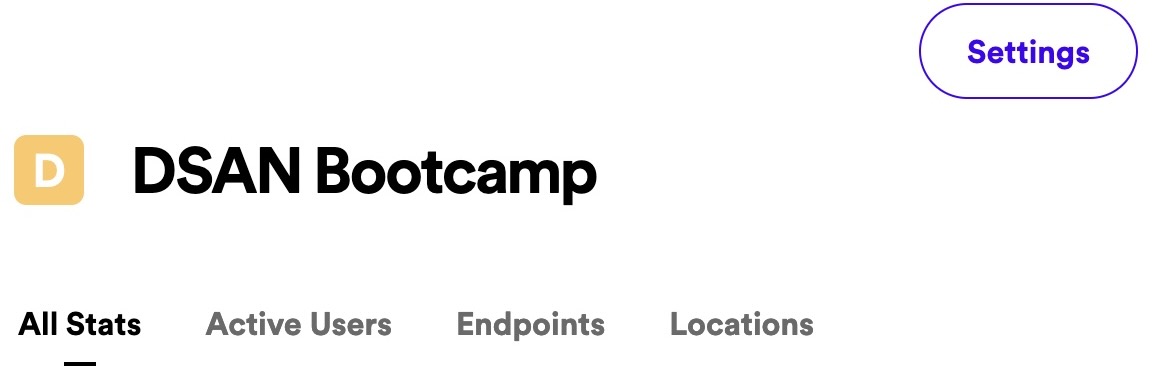
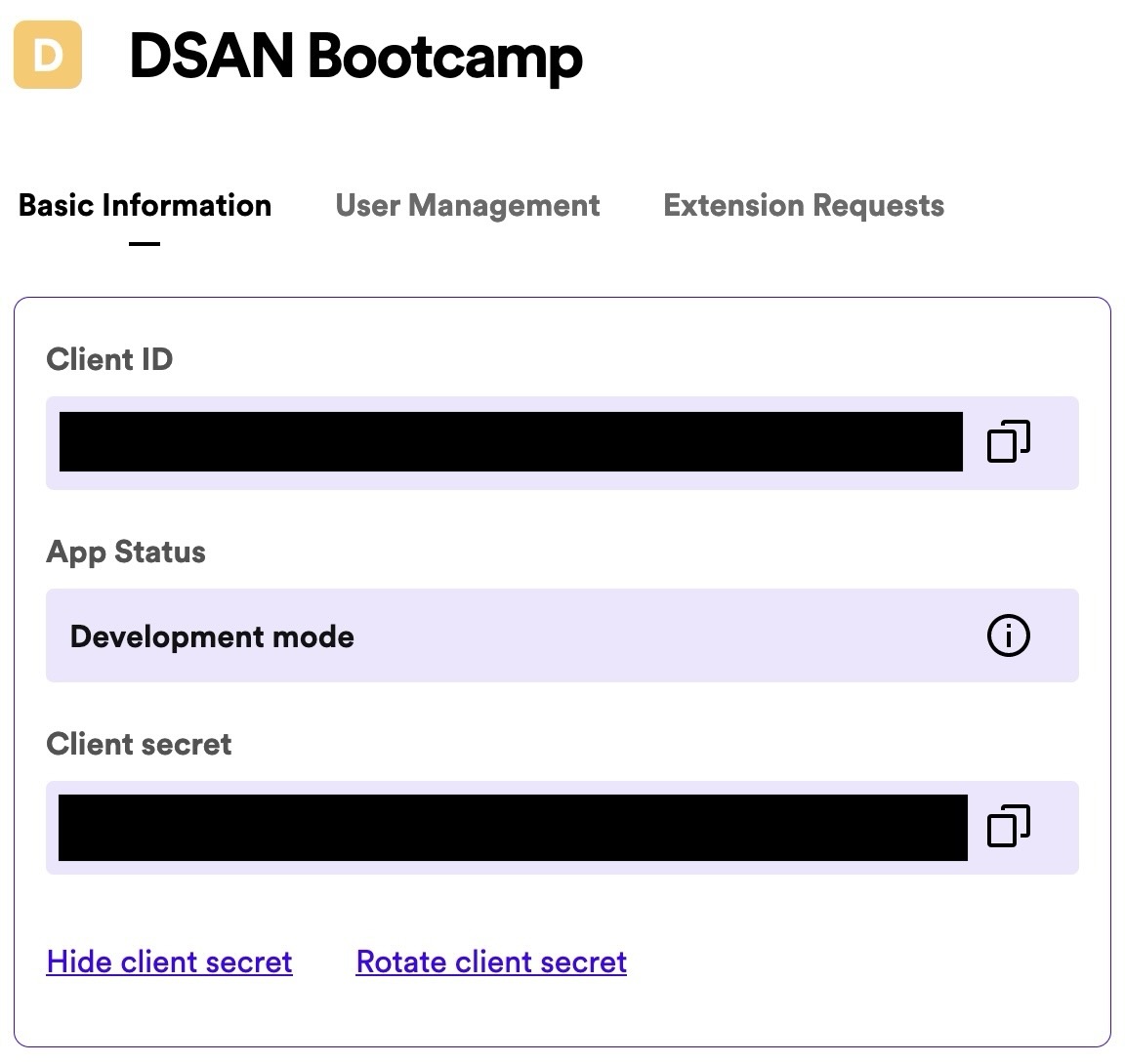
Create an App

Go to “Settings”

Copy Client ID + secret to secure location

Managing Secrets with .env

  • 🚨 Sensitive data (like the client secret) should never be included directly in your code! 🚨
  • Instead, use .env file to define environment vars, then load via library(dotenv) [documentation ]
  • Just make sure to include .env in your .gitignore file! (More on .gitignore next week 🙂)
.env
SECRET_PASSWORD=plsdonttell
mycode.r
library(dotenv)
Sys.getenv("SECRET_PASSWORD")
[1] "plsdonttell"

(Now you can share mycode.r without revealing password!)

spotifyr: Spotify API Continued

  • After storing your client ID+secret in .env, as SPOTIFY_CLIENT_ID and SPOTIFY_CLIENT_SECRET (respectively), the spotifyr library can be used as an R “wrapper” around Spotify’s Web API (see spotifyr list of functions )
library(dotenv) # Loads the client ID+secret from .env
library(spotifyr)
library(tidyverse)
#access_token <- get_spotify_access_token()
nba_id <- search_spotify("nba youngboy", type="artist", limit=1) |> pull(id)
get_artist_top_tracks(nba_id) |> select(id, name) |> head(5)
id name
1cMMVJ4FDqhCci9efd1BU6 Need It (feat. YoungBoy Never Broke Again)
1oWM79mUVdZGCGYjSirHZR Bandit (with YoungBoy Never Broke Again)
6klLvorLoo1sxvZcjJIY8I Make No Sense
5B0kgjHULYJhAQkK5XsMoC WUSYANAME (feat. Youngboy Never Broke Again & Ty Dolla $ign)
3sA7HKGzcKTVscdiTCrWpX Outside Today

Appendix 1: Web Scraping via XPath

Scraping HTML with httr2 and xml2

httr2 Documentation | xml2 Documentation

Code
# Get HTML
library(httr2)
request_obj <- request("https://en.wikipedia.org/wiki/Data_science")
response_obj <- req_perform(request_obj)
# Parse HTML
library(xml2)
html_obj <- response_obj |> resp_body_html()
html_obj |> xml_find_all('//h2//span[@class="mw-headline"]')
{xml_nodeset (7)}
[1] <span class="mw-headline" id="Foundations">Foundations</span>
[2] <span class="mw-headline" id="Etymology">Etymology</span>
[3] <span class="mw-headline" id="Data_science_and_data_analysis">Data scienc ...
[4] <span class="mw-headline" id="Cloud_Computing_for_Data_Science">Cloud Com ...
[5] <span class="mw-headline" id="Ethical_consideration_in_Data_Science">Ethi ...
[6] <span class="mw-headline" id="See_also">See also</span>
[7] <span class="mw-headline" id="References">References</span>

XPath I: Selecting Elements

mypage.html
<div class="container">
  <h1>Header</h1>
  <p id="page-content">Content</p>
  <img class="footer-image m-5" src="footer.png">
</div>
  • '//div' matches all elements <div> in the document:

    <div class="container">
      <h1>Header</h1>
      <p id="page-content">Content</p>
      <img class="footer-image m-5" src="footer.png">
    </div>
  • '//div//img' matches <img> elements which are children of <div> elements:

    <img class="footer-image m-5" src="footer.png">

XPath II: Filtering by Attributes

mypage.html
<div class="container">
  <h1>Header</h1>
  <p id="page-content">Content</p>
  <img class="footer-image m-5" src="footer.png">
</div>
  • '//p[id="page-content"]' matches all <p> elements with id page-content1:

    <p id="page-content">Content</p>
  • Matching classes is a bit trickier:

    '//img[contains(concat(" ", normalize-space(@class), " "), " footer-image ")]'

    matches all <img> elements with page-content as one of their classes2

    <img class="footer-image m-5" src="footer.png">

Appendix 2: Python versions of R code

import requests
response = requests.get("https://newton.vercel.app/api/v2/factor/x^2-1")
print(response.json())